
ScaleManager scale label printing system
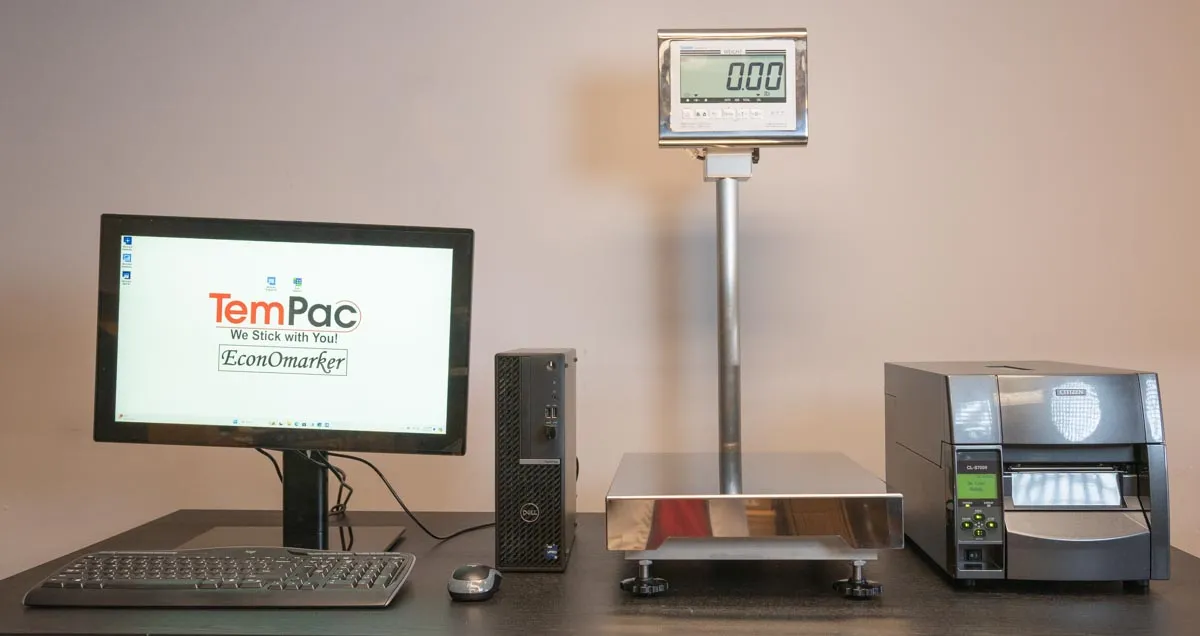
What's in the system
- Yamato PPC-200W-II scale (standard)
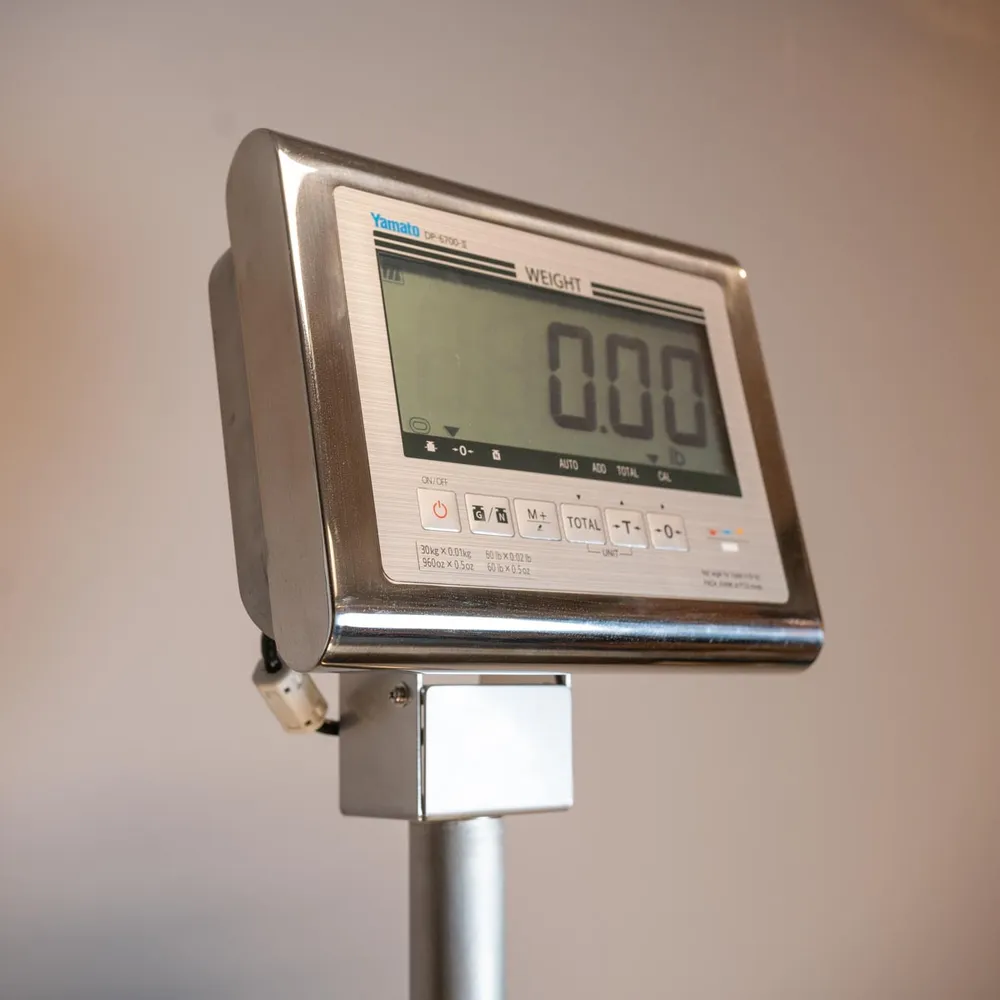
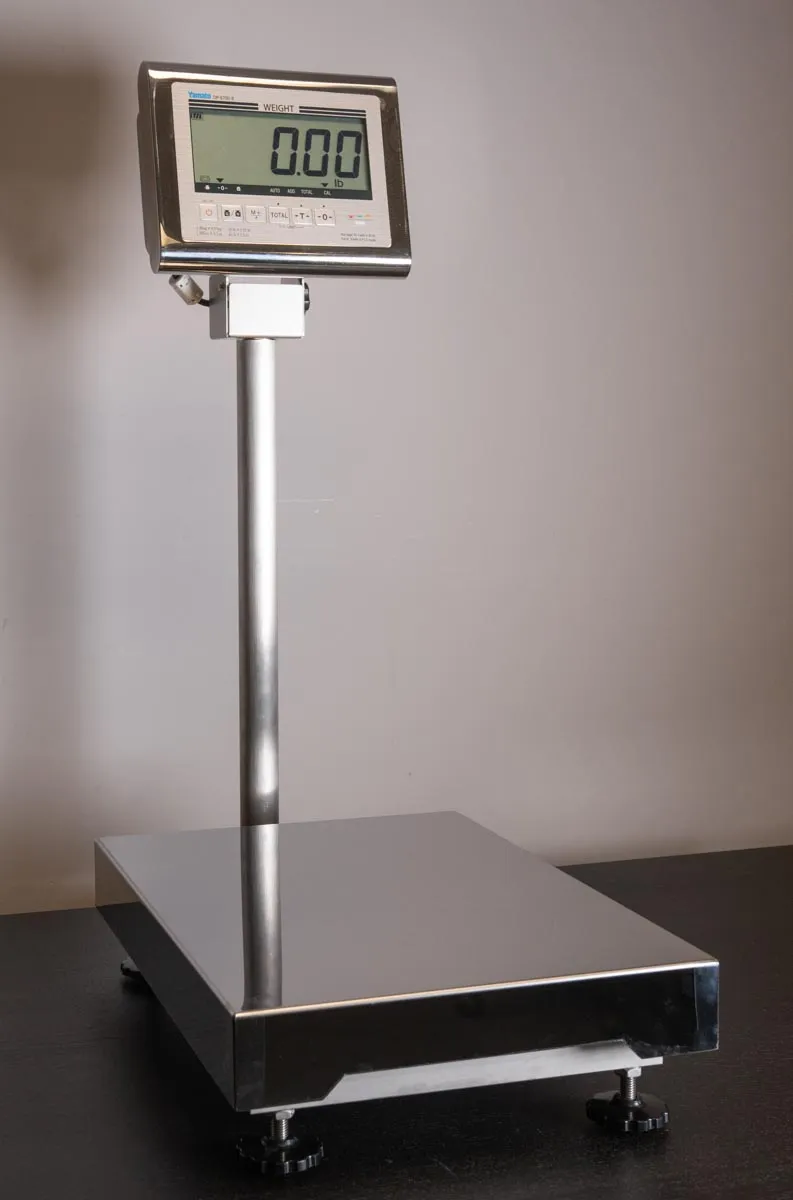
- Optional scales: Yamato DP-6700-II, Yamato DP-6900 or Mettler-Toledo ICS 429
- Touchscreen display
- Dell PC
- ScaleManager license
- NiceLabel or EnLabel license
- A label printer matched to your labels and volume
ScaleManager software
The program the operator sees. It ties the scale, your product data and the printer together.
Pulls from your product database
Names, prices, codes and dates come from one place, so the label matches what's in your records.
Prints on weigh
When the weight settles, ScaleManager tells NiceLabel or EnLabel to print the label for that product. Nobody keys in the weight.
Workflows built around your line
Batch runs, different label formats for different products, and other steps set up to match how you work.
NiceLabel or EnLabel
The label design and print software. The system comes licensed with one or the other.
Barcodes
Print the barcodes your retail and wholesale customers scan.
QR codes
Add a QR code that links to your site, a recipe or product details.
Variable data
Weight, price, dates and lot numbers fill in on each label as it prints.
A day on the line
Start up
Turn on the system and open NiceLabel (or EnLabel) and ScaleManager.
Pick the label and the product
Pick the label format (F10), then Advanced Product Select (F5), and choose the product. The price set up under its product code appears. To sell at a reduced price per pound, enter it here; a red Price Override shows when you click OK.
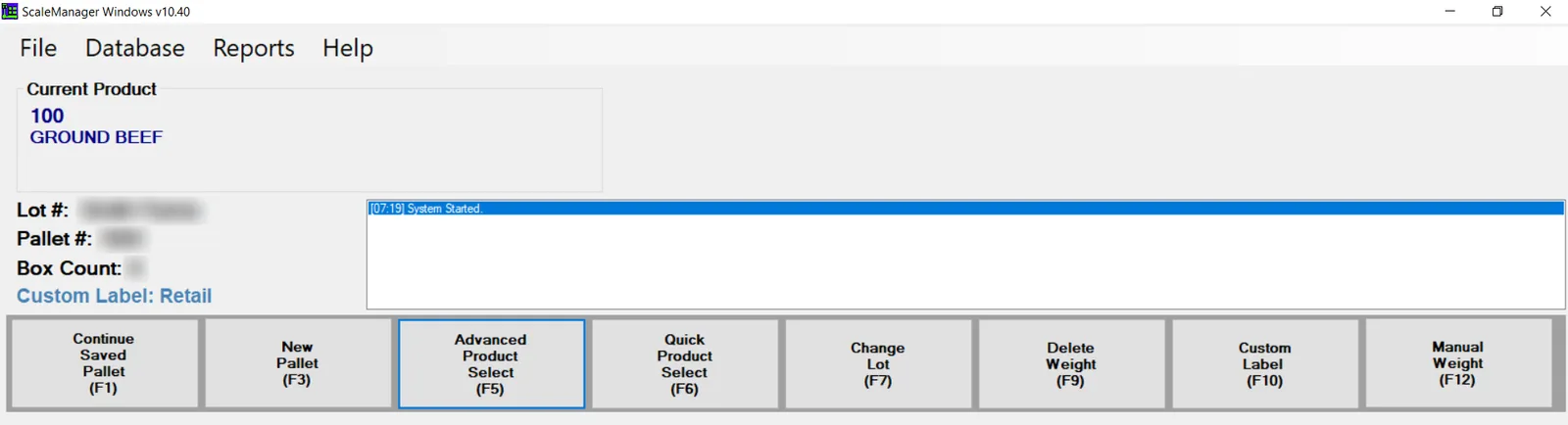
The ScaleManager screen. Advanced Product Select (F5) and Custom Label (F10) are in the button row. Lot, pallet and box count are blurred. Weigh the package
Set the package on the scale.
Label it
The label prints. Check it and apply it.
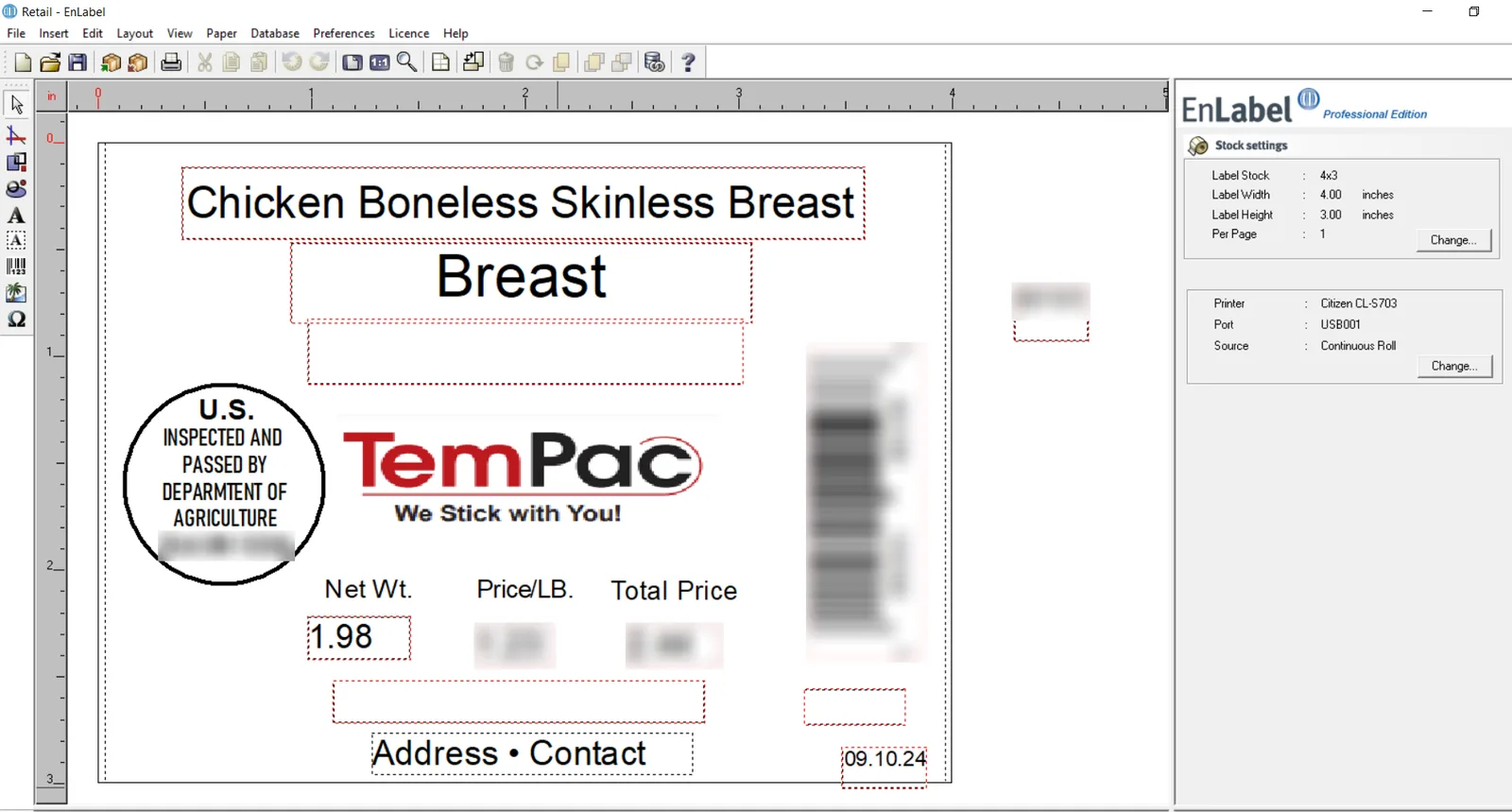
A 4 × 3 label format in EnLabel. ScaleManager fills in the product, weight and price when the label prints. Sample prices, codes and the barcode are blurred.
Setup and training
We configure the system for your products and labels, and we support it after it's running.
Installation and training can be done remotely or on site. On-site visits carry an extra charge. Either way it typically takes one to two hours.
To be ready, you need Wi-Fi at the station and AnyDesk installed on the PC, so we can connect to it.
Datasheets
- Yamato PPC-200W-II datasheetIP65 portion control scaleYamato PPC-200W-II (PDF)
- Yamato DP-6700-II datasheetStainless IP65 bench scaleYamato DP-6700-II (PDF)
- Yamato DP-6900 datasheetWipe-down bench scaleYamato DP-6900 (PDF)
See ScaleManager run.
Tell us what you pack and how you label it today. We'll show you how the system would handle it.
Or call 800.482.7225 and talk it through.