
Scale and print systems
Set a package on the scale and the label prints with the product, weight and price. We sell two systems that do it, sized for different plants, and we support both.
Two systems
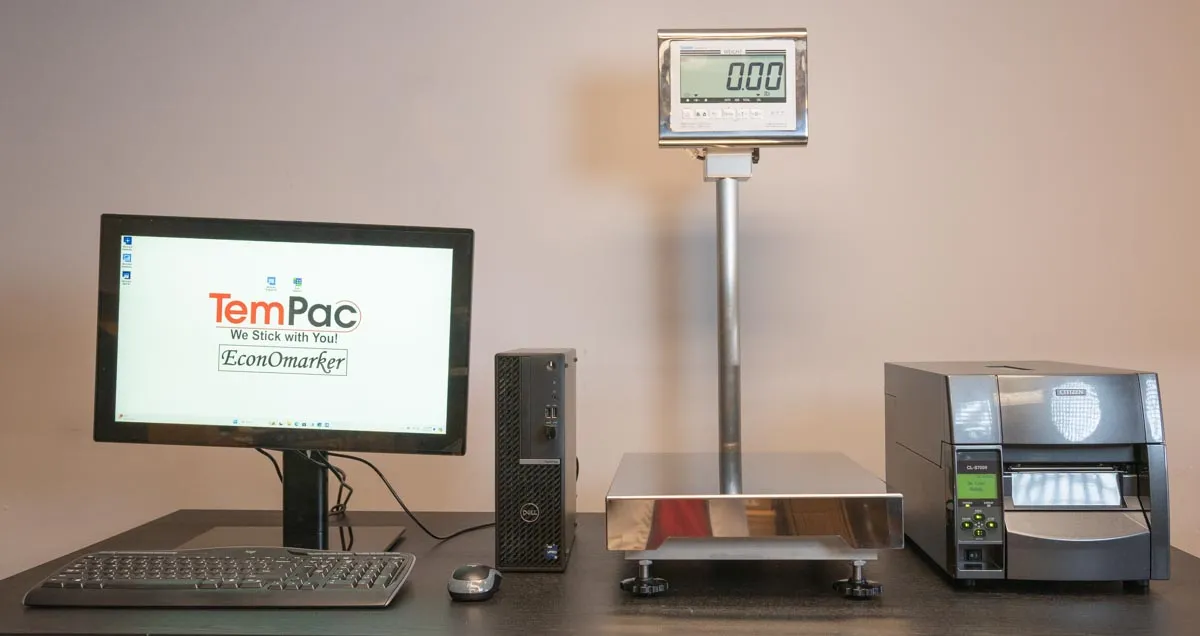
ScaleManager
The full PC-based system. ScaleManager software pulls each product from your database and has NiceLabel or EnLabel print the right label when the package is weighed.
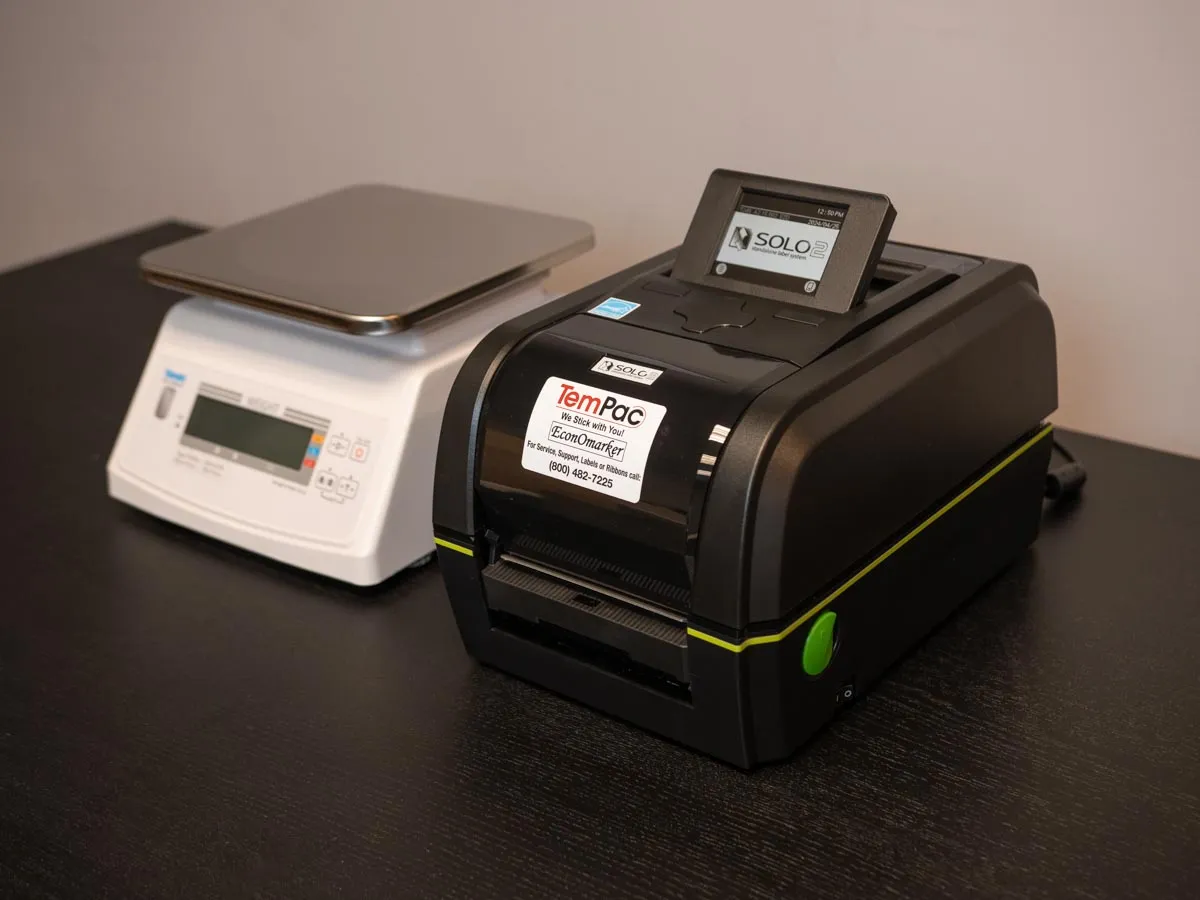
Economarker
The simple stand-alone system. A scale, a Solo printer and a keypad. No PC at the station.
Side by side
| Feature | ScaleManager | Economarker |
|---|---|---|
| What it is | Full PC-based weigh-and-label system | Simple stand-alone scale and printer |
| Scale | Yamato PPC-200W-II standard; DP-6700-II, DP-6900 or Mettler-Toledo ICS 429 optional | Yamato PPC-200W-II standard; DP-6700-II or DP-6900 optional |
| Operator controls | Touchscreen display | Keypad |
| Computer | Dell PC, included | None at the station. Connect a computer when you need to change label formats. |
| Software | ScaleManager license, plus a NiceLabel or EnLabel license | LabelDirect license |
| Product data | Pulled from your product database | Stored in the system and called up from the keypad |
| Label design | NiceLabel or EnLabel: barcodes, QR codes, variable data | LabelDirect: the essentials, kept simple |
Which one fits?
ScaleManager fits if
- You run a lot of products and want them managed in one database.
- You want the label to print automatically on weigh, without keying each package.
- You need QR codes, variable data or different label formats by product.
- You want a workflow shaped around how your line runs.
Economarker fits if
- You want one station that weighs and labels, and that's all.
- Counter space is tight.
- You'd rather not put a PC on the cutting-room floor.
- You want the lower-cost way to stop hand-writing or ink-stamping packages.
Not sure? Tell us how many products you label and roughly how many packages a day. We'll tell you which one we'd put in your plant.
Support after the sale
We sell the labels and ribbons both systems run, and we support the equipment.
Troubleshooting
Fixes for the problems we hear about most, like faint print or skipping labels.
Remote support
We can connect to your system and fix most problems without a site visit.
Labels and ribbons
The blank stock and ribbons that fit your printer, ready to reorder.
See one run before you decide.
Tell us about your setup and we'll walk you through the system that fits it.
Or call 800.482.7225 and talk it through.